This vignette walks through a minimal shinyphaser game where a hedgehog:
- moves with arrow keys,
- plays animations,
- collects apples (overlap),
- collides with rocks,
- avoids enemy sprites.
1) Basic app structure
A shinyphaser game lives inside a regular Shiny app.
In UI we need to load Phaser.js
dependencies and we do it with calling use_phaser()
method.
set_shiny_session() method is a helper to set Shiny
session inside R6 object private environment as it will be reused by
shinyphaser methods many times.
library(shiny)
library(shinyphaser)
shiny::addResourcePath("hedgehog-assets",
  system.file("examples", "hedgehog", "www", package = "shinyphaser"))

game <- PhaserGame$new(width = 1500, height = 800)

ui <- tagList(
  game$use_phaser()
)

server <- function(input, output, session) {
  game$set_shiny_session()
}

shinyApp(ui, server)
2) Add first image (background)
First we add simply image which will serve as a background to our
game. We define x and y to place the image at
a specific point on the canvas (in pixels): x is horizontal
position and y is vertical position. For
add_image(), this point is the image center, so
x = 800, y = 300 places the terrain around the middle area
of the scene.
floor <- game$add_image(
  name = "floor",
  url = "hedgehog-assets/terrain/grass.png",
  x = 800,
  y = 300
)
Show full code
library(shiny)
library(shinyphaser)
shiny::addResourcePath("hedgehog-assets",
  system.file("examples", "hedgehog", "www", package = "shinyphaser"))

game <- PhaserGame$new(width = 1500, height = 800)

ui <- tagList(
  game$use_phaser()
)

server <- function(input, output, session) {
  game$set_shiny_session()

  floor <- game$add_image(
    name = "floor",
    url = "hedgehog-assets/terrain/grass.png",
    x = 800,
    y = 300
  )
}

shinyApp(ui, server)
3) Add sprite (the player hedgehog)
Create a player sprite from a sprite sheet. The frame parameters
describe how to cut and play that spritesheet: frame_width
and frame_height are the size of a single frame (32x32 px),
frame_count = 5 tells shinyphaser how many frames to use
from the sheet, and frame_rate = 6 sets animation playback
speed to 6 frames per second.
hedgehog <- game$add_sprite(
  name = "hedgehog",
  url = "hedgehog-assets/sprites/hedgehog_32.png",
  x = 140,
  y = 260,
  frame_width = 32,
  frame_height = 32,
  frame_count = 5,
  frame_rate = 6
)
Show full code
library(shiny)
library(shinyphaser)
shiny::addResourcePath("hedgehog-assets",
  system.file("examples", "hedgehog", "www", package = "shinyphaser"))

game <- PhaserGame$new(width = 1500, height = 800)

ui <- tagList(
  game$use_phaser()
)

server <- function(input, output, session) {
  game$set_shiny_session()

  floor <- game$add_image(
    name = "floor",
    url = "hedgehog-assets/terrain/grass.png",
    x = 800,
    y = 300
  )

  hedgehog <- game$add_sprite(
    name = "hedgehog",
    url = "hedgehog-assets/sprites/hedgehog_32.png",
    x = 140,
    y = 260,
    frame_width = 32,
    frame_height = 32,
    frame_count = 5,
    frame_rate = 6
  )
}

shinyApp(ui, server)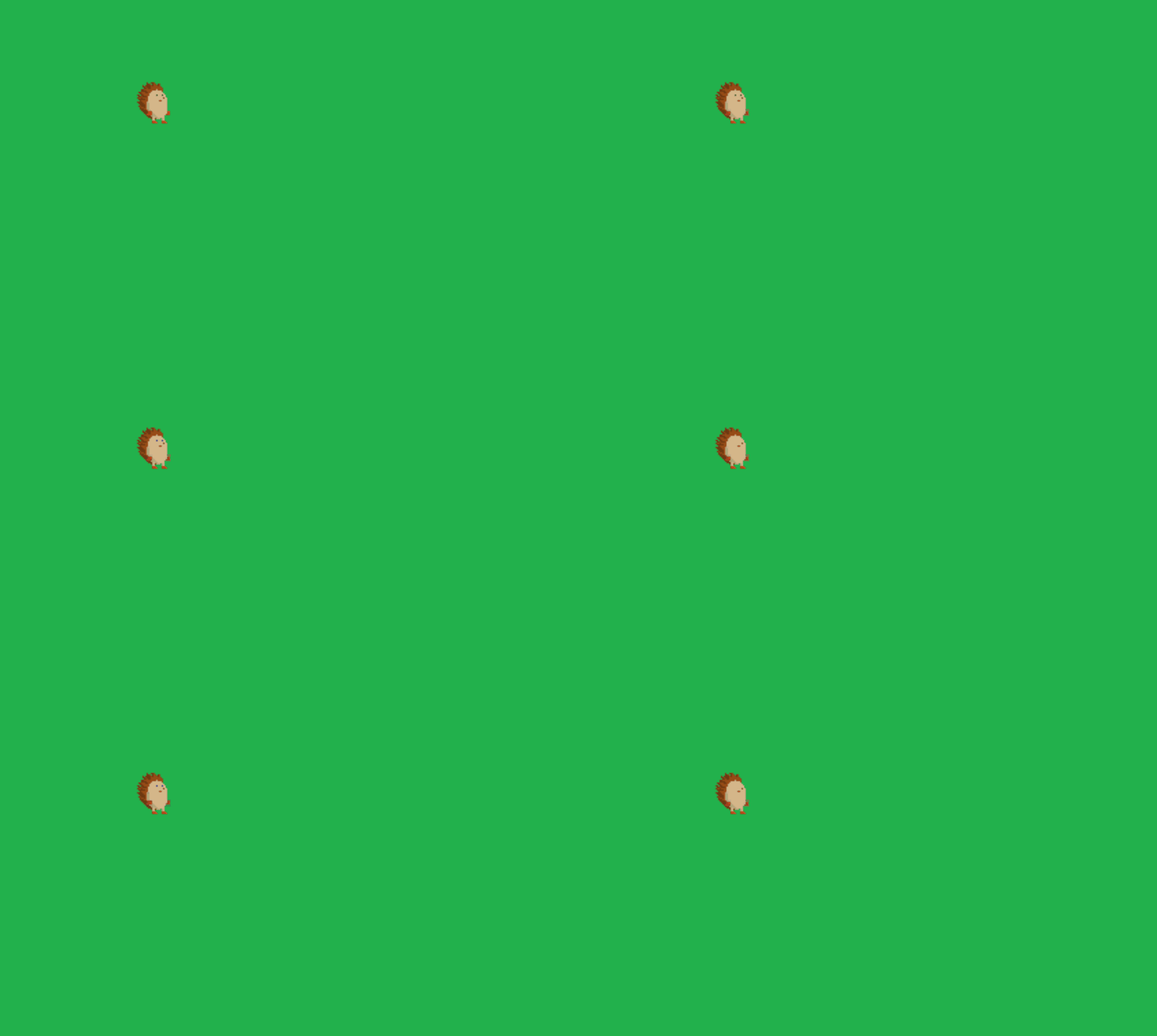
4) Add player controls
Attach keyboard movement to the sprite.
add_player_controls() binds keyboard input to sprite
velocity. Here,
directions = c("left", "right", "up", "down") enables full
4-direction movement with arrow/WASD-style input, while
speed = 220 sets how fast the hedgehog travels (pixels per
second). In practice, increase speed for a more arcade-like
feel, or decrease it for more precise movement when navigating around
obstacles.
hedgehog$add_player_controls(
  directions = c("left", "right", "up", "down"),
  speed = 220
)
Show full code
library(shiny)
library(shinyphaser)
shiny::addResourcePath("hedgehog-assets",
  system.file("examples", "hedgehog", "www", package = "shinyphaser"))

game <- PhaserGame$new(width = 1500, height = 800)

ui <- tagList(
  game$use_phaser()
)

server <- function(input, output, session) {
  game$set_shiny_session()

  floor <- game$add_image(
    name = "floor",
    url = "hedgehog-assets/terrain/grass.png",
    x = 800,
    y = 300
  )

  hedgehog <- game$add_sprite(
    name = "hedgehog",
    url = "hedgehog-assets/sprites/hedgehog_32.png",
    x = 140,
    y = 260,
    frame_width = 32,
    frame_height = 32,
    frame_count = 5,
    frame_rate = 6
  )

  hedgehog$add_player_controls(
    directions = c("left", "right", "up", "down"),
    speed = 220
  )
}

shinyApp(ui, server)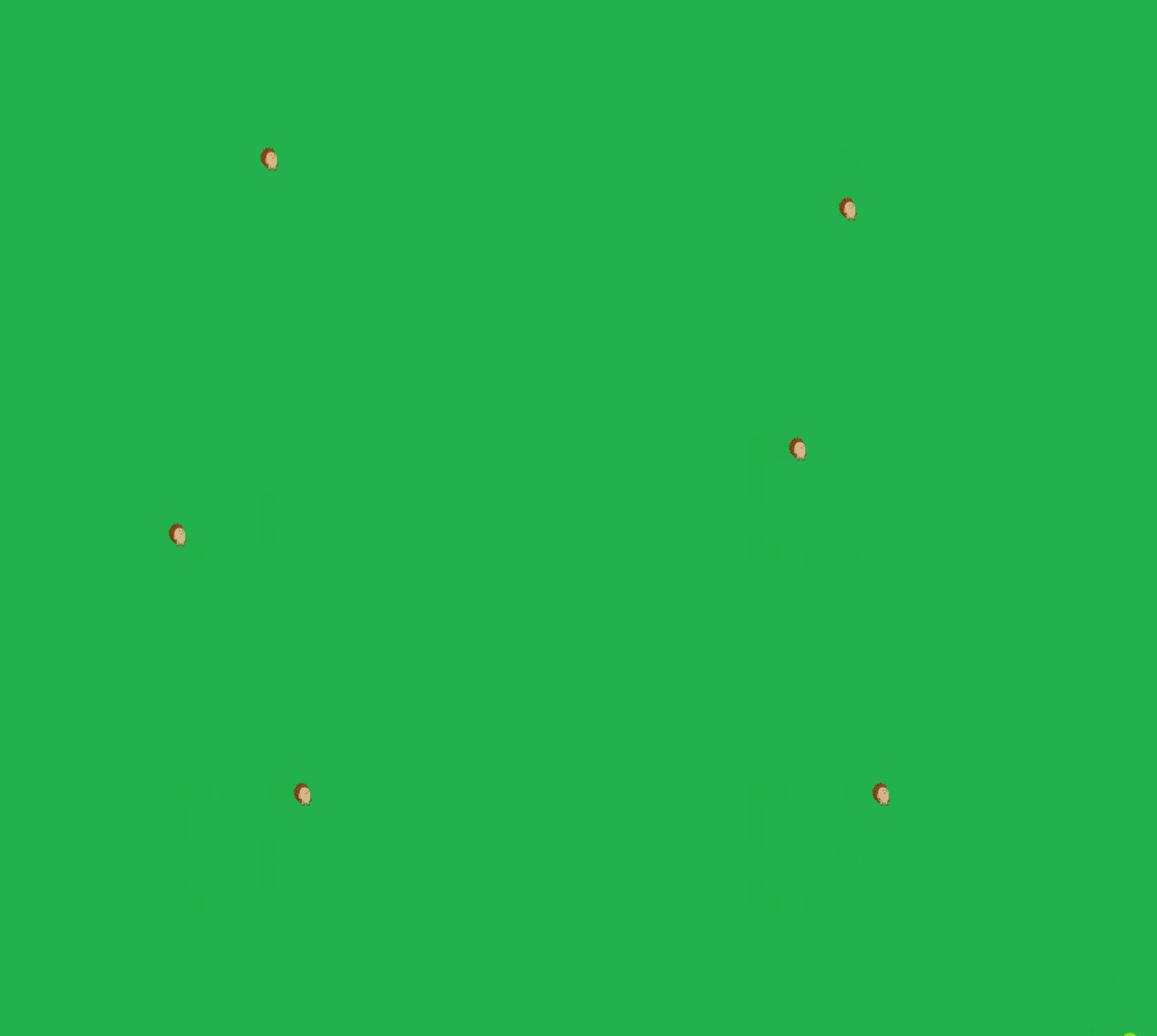
5) Add move animations
We would like now to apply animation to our hedgehog when he moves.


Add directional animations and play one as default. The idea is to
register one animation per movement direction, then let the
player-controls system switch between them automatically while the
sprite is moving. We create a vector of direction names
(move_left, move_right, move_up,
move_down) and loop over it, calling
add_animation() each time. The suffix links
animation names to direction-specific files, url points to
the correct spritesheet, and
frame_width/frame_height/frame_rate
describe how to read and play each animation strip.
moves <- c("move_left", "move_right", "move_up", "move_down")

for (move in moves) {
  hedgehog$add_animation(
    suffix = move,
    url = paste0("hedgehog-assets/sprites/hedgehog_", move, "_32.png"),
    frame_width = 32,
    frame_height = 32,
    frame_rate = 5
  )
}
Show full code
library(shiny)
library(shinyphaser)
shiny::addResourcePath("hedgehog-assets",
  system.file("examples", "hedgehog", "www", package = "shinyphaser"))

game <- PhaserGame$new(width = 1500, height = 800)

ui <- tagList(
  game$use_phaser()
)

server <- function(input, output, session) {
  game$set_shiny_session()

  floor <- game$add_image(
    name = "floor",
    url = "hedgehog-assets/terrain/grass.png",
    x = 800,
    y = 300
  )

  hedgehog <- game$add_sprite(
    name = "hedgehog",
    url = "hedgehog-assets/sprites/hedgehog_32.png",
    x = 140,
    y = 260,
    frame_width = 32,
    frame_height = 32,
    frame_count = 5,
    frame_rate = 6
  )

  hedgehog$add_player_controls(
    directions = c("left", "right", "up", "down"),
    speed = 220
  )

  moves <- c("move_left", "move_right", "move_up", "move_down")

  for (move in moves) {
    hedgehog$add_animation(
      suffix = move,
      url = paste0("hedgehog-assets/sprites/hedgehog_", move, "_32.png"),
      frame_width = 32,
      frame_height = 32,
      frame_rate = 5
    )
  }
}

shinyApp(ui, server)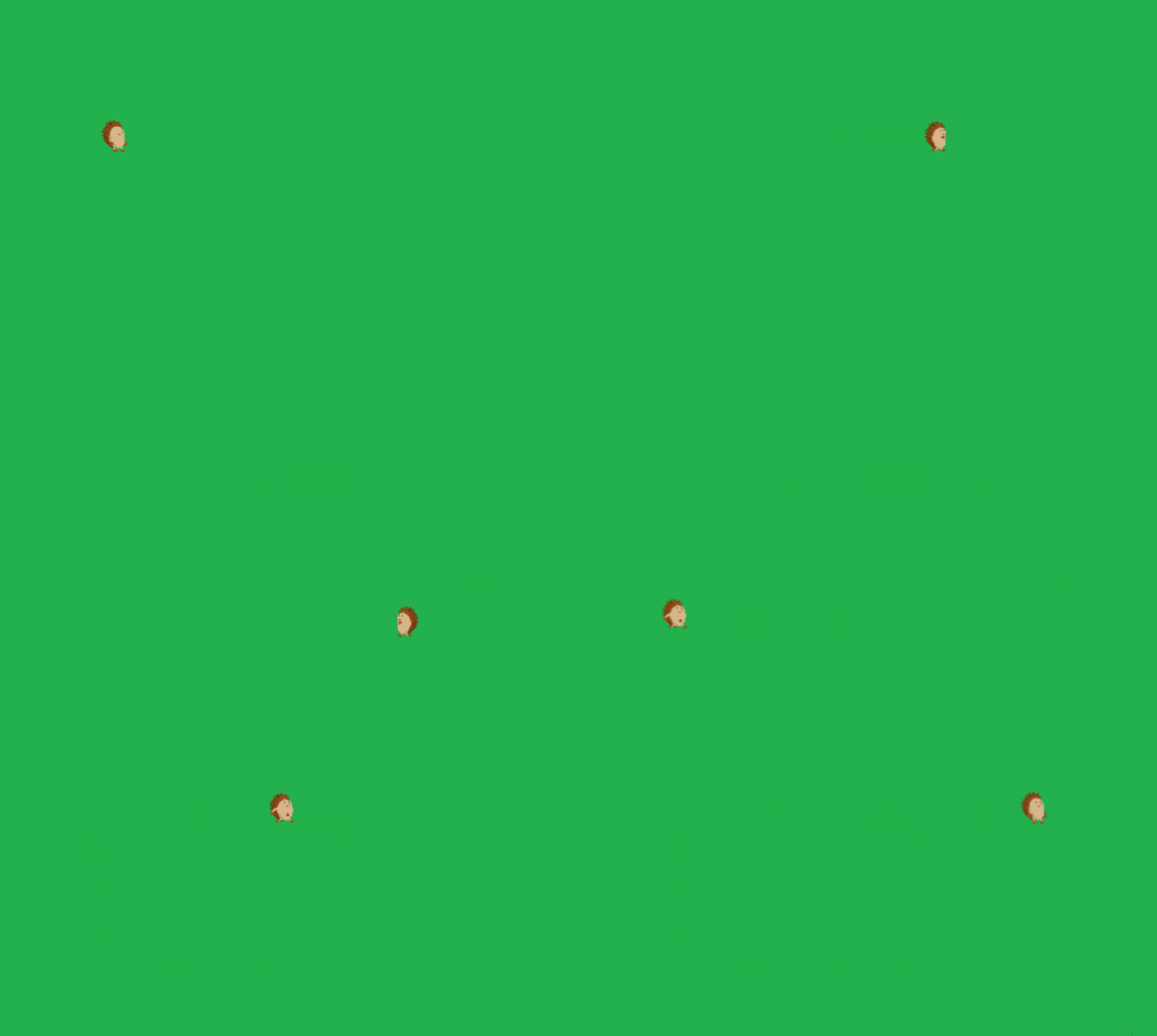
6) Add overlap with other objects (collect apples)
Use overlap when two objects can share space and trigger events. In
this step, apples act like collectibles: the hedgehog can move through
them, and each touch runs an immediate browser action instead of
blocking movement. We first create an apples static group
and place a few apples on the map, then register
add_overlap() between "hedgehog" and
"apples". The browser_actions() declaration
can hide the collected apple and update browser-resident state without
waiting for Shiny. In short: hedgehog meets apple, apple disappears,
score goes up — because every hedgehog knows apples are the true quest
objective.
apples <- game$add_static_group("apples", "hedgehog-assets/perks/apple_20.png")

apples$create(260, 140)
apples$create(640, 180)
apples$create(730, 390)

score_text <- game$add_text(text = "Score: 0", id = "score", x = 20, y = 20)
score <- game$add_state("score", 0)

game$add_overlap(
  object_one = "hedgehog",
  group = "apples",
  browser_action = browser_actions({
    apples$disable()
    score$increment()
    score_text$set(score$value())
  }),
  input = input
)
Show full code
library(shiny)
library(shinyphaser)
shiny::addResourcePath("hedgehog-assets",
  system.file("examples", "hedgehog", "www", package = "shinyphaser"))

game <- PhaserGame$new(width = 1500, height = 800)

ui <- tagList(
  game$use_phaser()
)

server <- function(input, output, session) {
  game$set_shiny_session()

  floor <- game$add_image(
    name = "floor",
    url = "hedgehog-assets/terrain/grass.png",
    x = 800,
    y = 300
  )

  hedgehog <- game$add_sprite(
    name = "hedgehog",
    url = "hedgehog-assets/sprites/hedgehog_32.png",
    x = 140,
    y = 260,
    frame_width = 32,
    frame_height = 32,
    frame_count = 5,
    frame_rate = 6
  )

  hedgehog$add_player_controls(
    directions = c("left", "right", "up", "down"),
    speed = 220
  )

  moves <- c("move_left", "move_right", "move_up", "move_down")

  for (move in moves) {
    hedgehog$add_animation(
      suffix = move,
      url = paste0("hedgehog-assets/sprites/hedgehog_", move, "_32.png"),
      frame_width = 32,
      frame_height = 32,
      frame_rate = 5
    )
  }

  score <- reactiveVal(0)
  apples <- game$add_static_group("apples", "hedgehog-assets/perks/apple_20.png")

  apples$create(260, 140)
  apples$create(640, 180)
  apples$create(730, 390)

  score_text <- game$add_text(text = "Score: 0", id = "score", x = 20, y = 20)

  game$add_overlap(
    object_one = "hedgehog",
    group = "apples",
    input = input
  )
}
shinyApp(ui, server)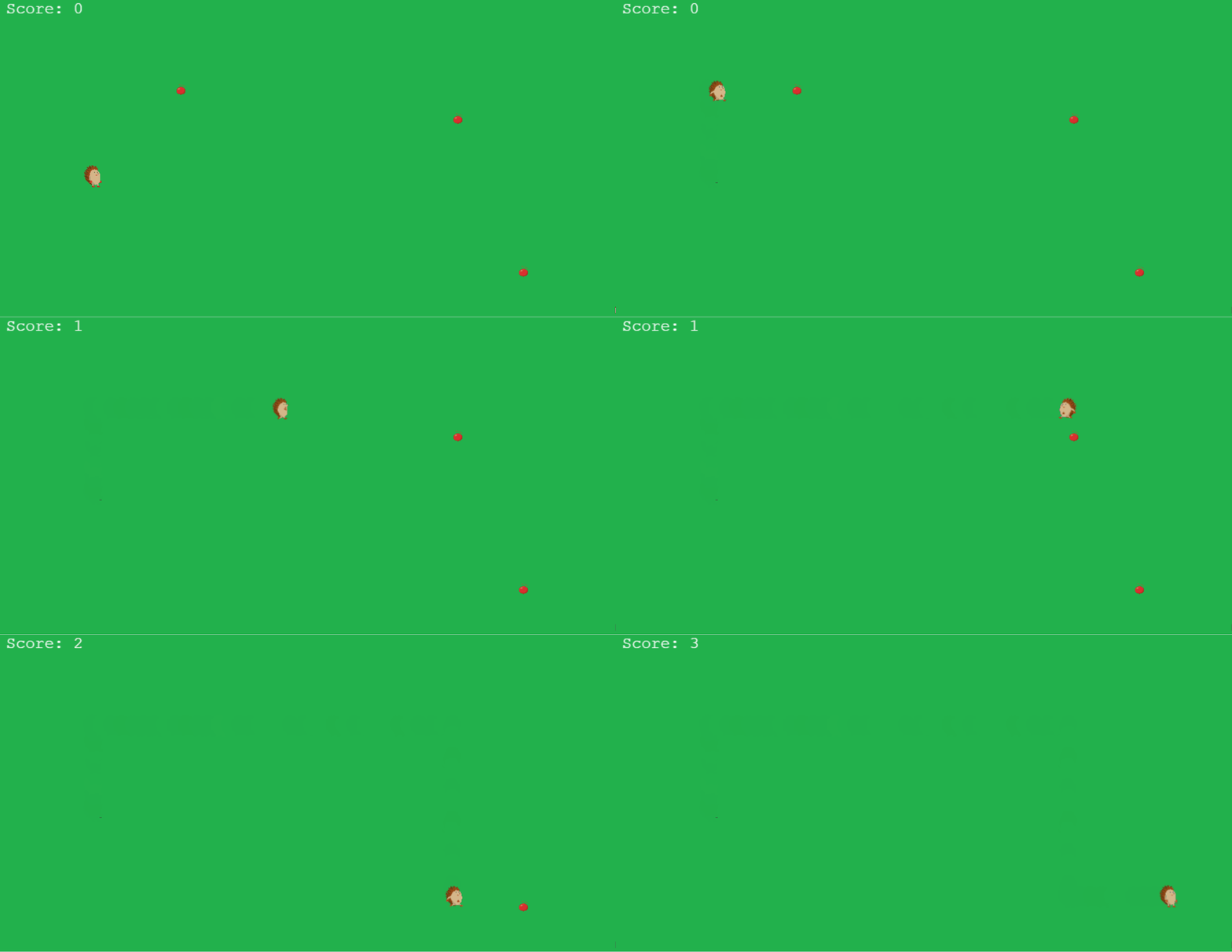
7) Add collision with other objects (rocks)
Use collision when objects should block each other. Unlike overlap
(collect-and-pass-through), collision adds physical blocking. We enable
terrain collision for the hedgehog, create a rocks static
group, and then attach add_collider() so the player cannot
walk through rocks. This gives the level real navigation constraints:
apples are pickups, rocks are barriers.
game$enable_terrain_collision("hedgehog")

rocks <- game$add_static_group(
  name = "rocks",
  url = "hedgehog-assets/obstacles/rock.png"
)

rocks$create(
  x = 400,
  y = 400
)
rocks$create(
  x = 600,
  y = 500
)
game$add_collider(
  object_one = "hedgehog",
  group = "rocks"
)
Show full code
library(shiny)
library(shinyphaser)
shiny::addResourcePath("hedgehog-assets",
  system.file("examples", "hedgehog", "www", package = "shinyphaser"))

game <- PhaserGame$new(width = 1500, height = 800)

ui <- tagList(
  game$use_phaser()
)

server <- function(input, output, session) {
  game$set_shiny_session()

  floor <- game$add_image(
    name = "floor",
    url = "hedgehog-assets/terrain/grass.png",
    x = 800,
    y = 300
  )

  hedgehog <- game$add_sprite(
    name = "hedgehog",
    url = "hedgehog-assets/sprites/hedgehog_32.png",
    x = 140,
    y = 260,
    frame_width = 32,
    frame_height = 32,
    frame_count = 5,
    frame_rate = 6
  )

  hedgehog$add_player_controls(
    directions = c("left", "right", "up", "down"),
    speed = 220
  )

  game$enable_terrain_collision("hedgehog")

  moves <- c("move_left", "move_right", "move_up", "move_down")

  for (move in moves) {
    hedgehog$add_animation(
      suffix = move,
      url = paste0("hedgehog-assets/sprites/hedgehog_", move, "_32.png"),
      frame_width = 32,
      frame_height = 32,
      frame_rate = 5
    )
  }

  score <- reactiveVal(0)
  apples <- game$add_static_group("apples", "hedgehog-assets/perks/apple_20.png")

  apples$create(260, 140)
  apples$create(640, 180)
  apples$create(730, 390)

  rocks <- game$add_static_group(
    name = "rocks",
    url = "hedgehog-assets/obstacles/rock.png"
  )

  rocks$create(400, 200)
  rocks$create(200, 300)

  score_text <- game$add_text(text = "Score: 0", id = "score", x = 20, y = 20)

  game$add_overlap(
    object_one = "hedgehog",
    group = "apples",
    input = input
  )

  game$add_collider(
    object_one = "hedgehog",
    group = "rocks"
  )
}
shinyApp(ui, server)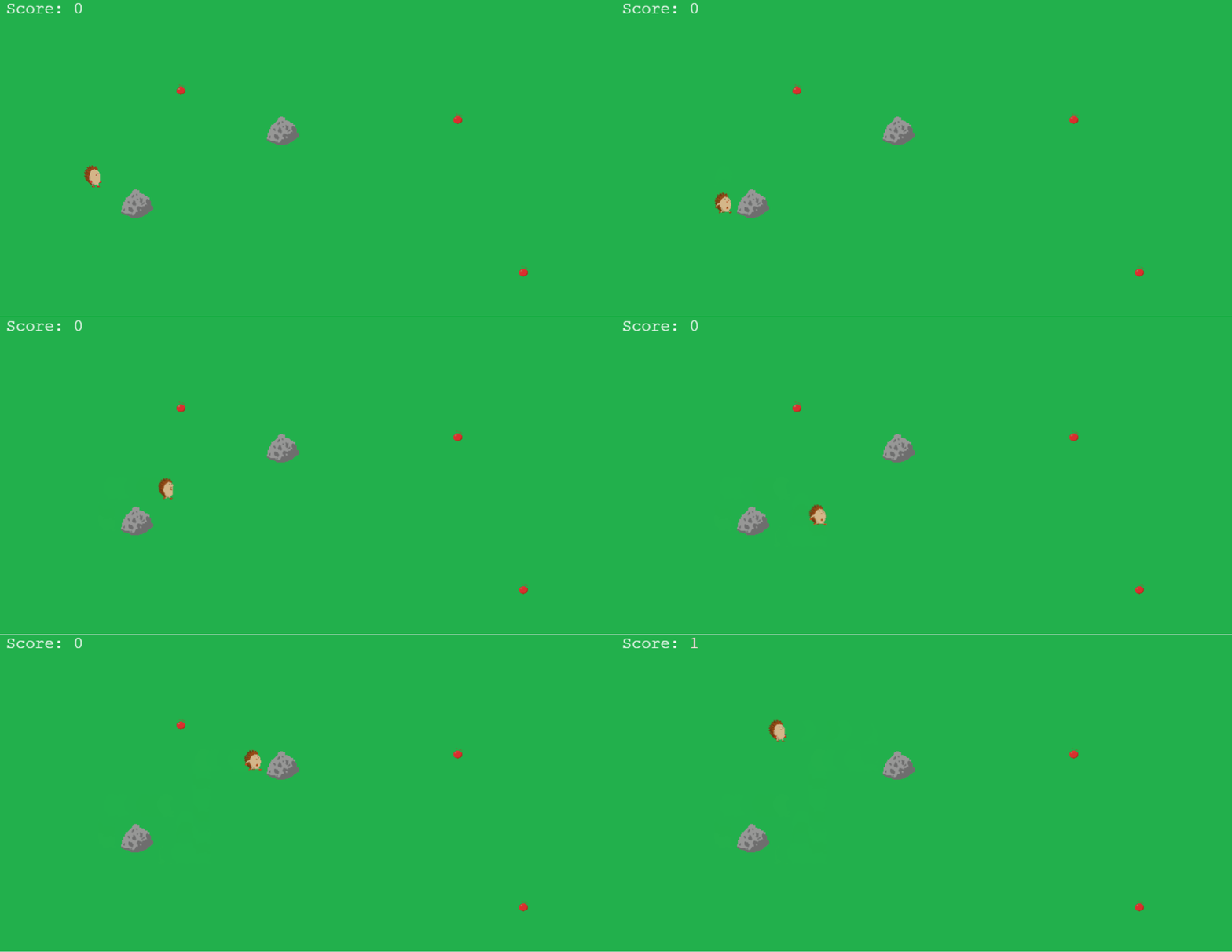
8) Add enemy sprites
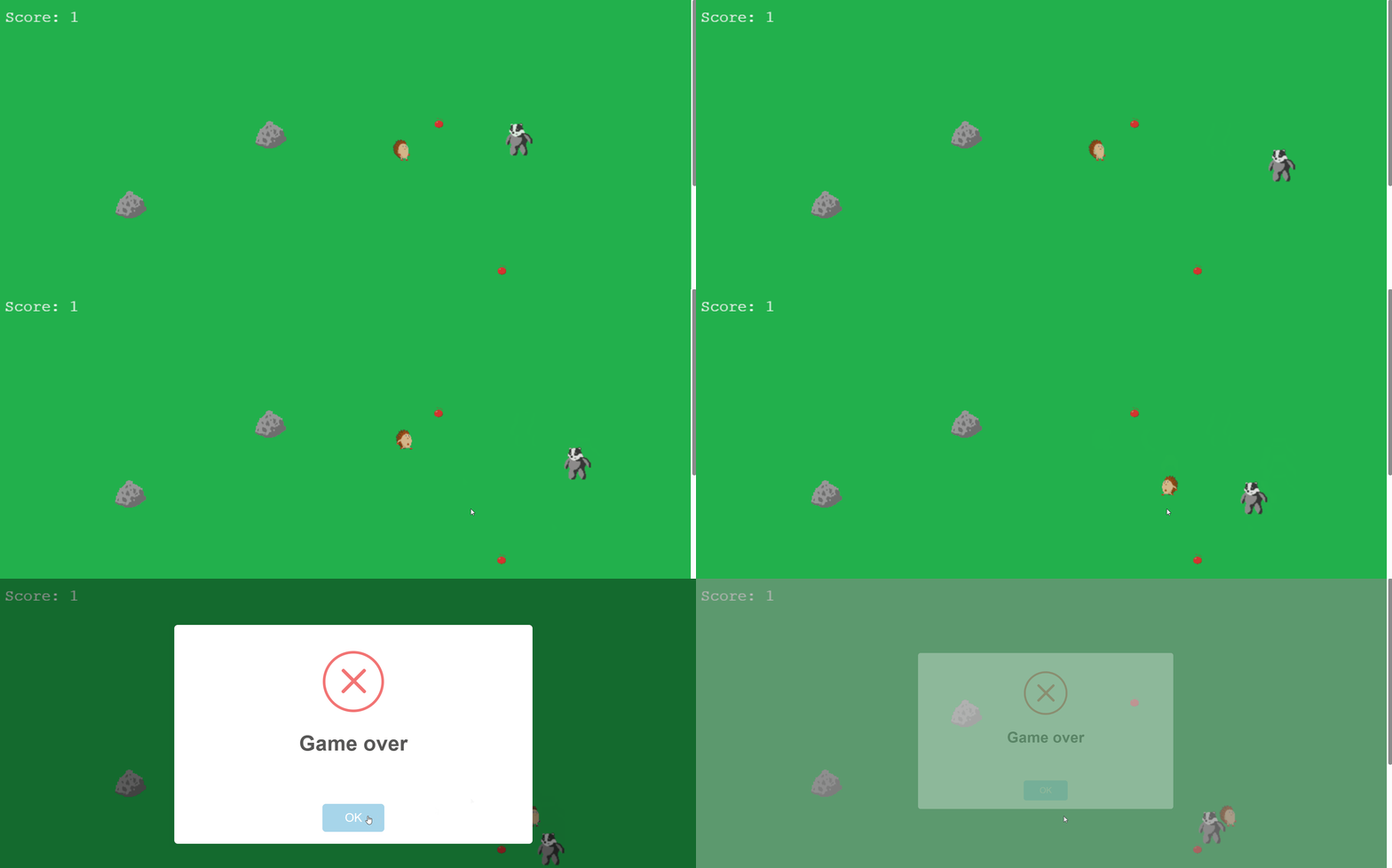
Create one or more enemies and move them. If enemy overlaps the
player, end game. Here we add a simple enemy loop: create a badger
sprite, define hedgehog-badger overlap as a “game over” event, and
periodically change enemy direction with set_in_motion().
The invalidateLater(700, session) timer makes the badger
pick a new direction about every 0.7 seconds, which creates a
lightweight patrol/chase feeling without writing a full AI system.
enemy <- game$add_sprite(
  name = "badger",
  url = "hedgehog-assets/sprites/badger_move_left_50.png",
  x = 700,
  y = 300,
  frame_width = 50,
  frame_height = 50,
  frame_count = 1,
  frame_rate = 1
)

game$add_overlap(
  object_one = "hedgehog",
  object_two = "badger",
  input = input
)

shiny::observe({
  shiny::invalidateLater(700, session)
  dir <- sample(list(c(-1, 0), c(1, 0), c(0, -1), c(0, 1)), 1)[[1]]
  enemy$set_in_motion(
    dir_x = dir[1],
    dir_y = dir[2],
    speed = 70,
    distance = 150,
    lag = 0
  )
})
9) Full minimal app
Put all pieces together:
library(shiny)
library(shinyphaser)
shiny::addResourcePath("hedgehog-assets",
  system.file("examples", "hedgehog", "www", package = "shinyphaser"))

game <- PhaserGame$new(width = 1500, height = 800)

ui <- tagList(
  game$use_phaser()
)

server <- function(input, output, session) {
  game$set_shiny_session()

  floor <- game$add_image(
    name = "floor",
    url = "hedgehog-assets/terrain/grass.png",
    x = 800,
    y = 300
  )

  hedgehog <- game$add_sprite(
    name = "hedgehog",
    url = "hedgehog-assets/sprites/hedgehog_32.png",
    x = 140,
    y = 260,
    frame_width = 32,
    frame_height = 32,
    frame_count = 5,
    frame_rate = 6
  )

  hedgehog$add_player_controls(
    directions = c("left", "right", "up", "down"),
    speed = 220
  )

  game$enable_terrain_collision("hedgehog")

  moves <- c("move_left", "move_right", "move_up", "move_down")

  for (move in moves) {
    hedgehog$add_animation(
      suffix = move,
      url = paste0("hedgehog-assets/sprites/hedgehog_", move, "_32.png"),
      frame_width = 32,
      frame_height = 32,
      frame_rate = 5
    )
  }

  score <- reactiveVal(0)
  apples <- game$add_static_group("apples", "hedgehog-assets/perks/apple_20.png")

  apples$create(260, 140)
  apples$create(640, 180)
  apples$create(730, 390)

  rocks <- game$add_static_group(
    name = "rocks",
    url = "hedgehog-assets/obstacles/rock.png"
  )

  rocks$create(400, 200)
  rocks$create(200, 300)

  score_text <- game$add_text(text = "Score: 0", id = "score", x = 20, y = 20)

  game$add_overlap(
    object_one = "hedgehog",
    group = "apples",
    input = input
  )

  game$add_collider(
    object_one = "hedgehog",
    group = "rocks"
  )

  enemy <- game$add_sprite(
    name = "badger",
    url = "hedgehog-assets/sprites/badger_move_left_50.png",
    x = 700,
    y = 300,
    frame_width = 50,
    frame_height = 50,
    frame_count = 1,
    frame_rate = 1
  )

  game$add_overlap(
    object_one = "hedgehog",
    object_two = "badger",
    input = input
  )

  shiny::observe({
    shiny::invalidateLater(700, session)
    dir <- sample(list(c(-1, 0), c(1, 0), c(0, -1), c(0, 1)), 1)[[1]]
    enemy$set_in_motion(
      dir_x = dir[1],
      dir_y = dir[2],
      speed = 70,
      distance = 150,
      lag = 0
    )
  })
}
shinyApp(ui, server)
10) Deployment
For now, you can deploy shinyphaser apps the same way as
standard Shiny apps. For example, you can publish on
shinyapps.io using rsconnect::deployApp()
from your app directory (or the Publish button in
RStudio).
See the official shinyapps.io deployment guide: https://docs.posit.co/shinyapps.io/guide/getting_started/